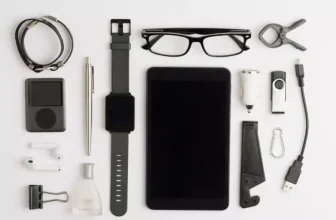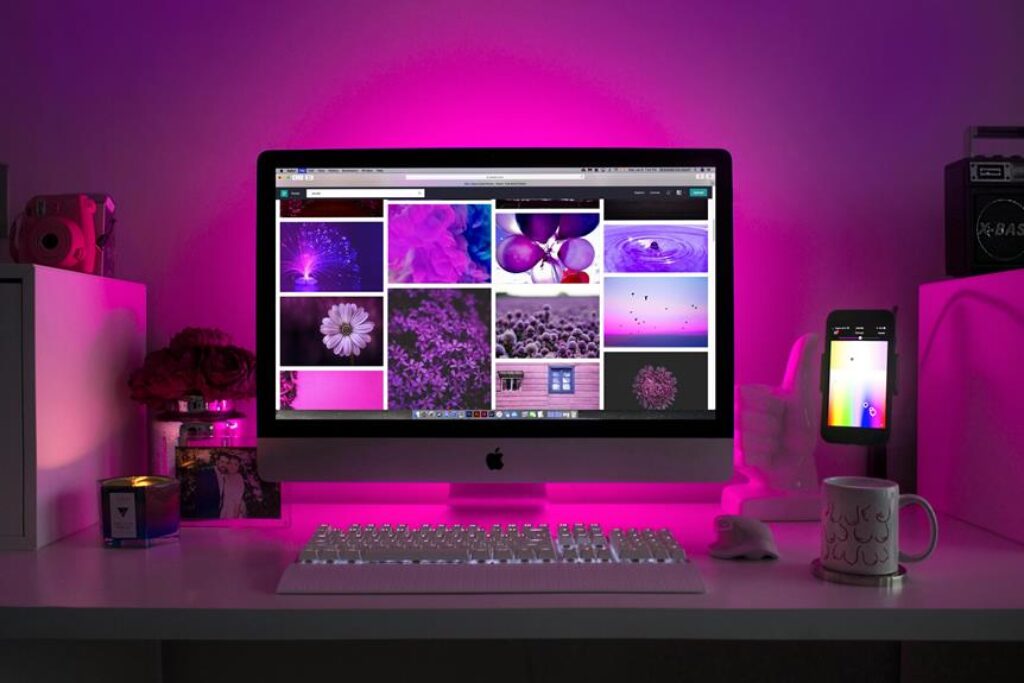
When setting up your home office with essential electronics, ensuring a productive workspace is crucial. From selecting the right computer to organizing cables efficiently, each step plays a vital role in optimizing your work environment. Consider the impact of ergonomics on your setup – it’s not just about the gadgets but also about creating a space that fosters focus and comfort. So, as you embark on this journey of crafting your ideal home office, remember that the right setup can enhance your productivity and overall work experience.
Choosing the Right Computer
When setting up your home office, selecting the appropriate computer is crucial for optimal productivity and efficiency. Consider the type of work you’ll be doing and choose a computer that aligns with those needs. If you mainly work on documents and emails, a basic laptop might suffice. However, if your work involves graphic design or video editing, a more powerful desktop computer with a dedicated graphics card would be more suitable.
When choosing a computer, think about the operating system that you’re most comfortable with. Whether it’s Windows, macOS, or Linux, make sure the computer you select runs on your preferred OS. Additionally, consider the storage capacity and processing speed. Having sufficient storage space and a fast processor can significantly impact your work efficiency.
Don’t forget to think about future needs as well. Investing in a computer with upgradable components can prolong its lifespan and adapt to your evolving requirements. Lastly, consider factors like screen size, port availability, and overall build quality to ensure a comfortable and productive workspace.
Setting Up the Printer and Scanner
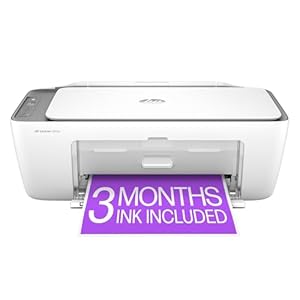
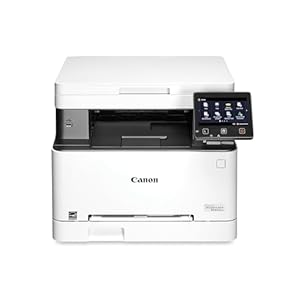
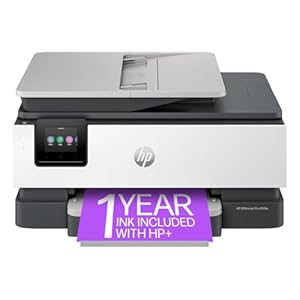
To enhance your home office setup, ensure you have a functional printer and scanner that cater to your document management needs efficiently. When setting up your printer and scanner, place them within easy reach of your workspace to streamline your workflow. Connect both devices to a power source and your computer using the provided cables. Install the necessary drivers and software by following the manufacturer’s instructions. Test the printer and scanner to ensure they’re functioning correctly.
Ensure your printer is stocked with paper and enough ink or toner to avoid interruptions during important tasks. Set the default printer and scanner settings according to your preferences, such as quality and file type. Familiarize yourself with the scanning software to efficiently digitize documents. Regularly clean and maintain your printer and scanner to prolong their lifespan and optimize performance.
Configuring Your Internet Router
Ensure your internet router is properly configured to optimize your home office connectivity.
Begin by placing your router in a central location within your home office for maximum coverage. Connect the router to a power source and your modem using Ethernet cables. Access the router’s settings by typing its IP address into your web browser. Follow the setup wizard to create a secure network name (SSID) and password to prevent unauthorized access.
Enable WPA2 encryption for enhanced security. Adjust the network settings to prioritize your work devices for smoother performance. Consider setting up a guest network to separate personal and work devices.
Regularly update your router’s firmware to ensure it’s equipped with the latest security features and performance enhancements. Test your internet connection speed after configuration to confirm optimal performance.
Organizing Cables and Chargers
Consider using a cable organizer to streamline and declutter your workspace, ensuring easy access to chargers when needed. Cable organizers come in various shapes and sizes, from simple cable clips to sophisticated cable management boxes. These tools help keep your cables neatly organized and prevent them from tangling or getting in the way.
When setting up your home office, designate specific areas for different types of chargers. For example, have a dedicated spot for laptop chargers, phone chargers, and other electronic devices. This way, you always know where to find the right charger without rummaging through a tangled mess of cables.
Labeling your chargers and cables can also save you time and frustration. Use colored labels or tags to identify which cable belongs to which device. This simple trick can prevent mix-ups and ensure that you grab the right charger every time.
Lastly, consider investing in a charging station or a multi-device charger to minimize cable clutter. These devices allow you to charge multiple devices simultaneously while keeping cables organized and out of sight.
Trending Products

![Canon PIXMA TS6420a All-in-One Wireless Inkjet Printer [Print,Copy,Scan], Black, Works with Alexa](https://m.media-amazon.com/images/I/21-0hP0b2eL._SS300_.jpg)